USE CASES
Bring your Zell sales context into the AI assistant you already work with.

Prepare your next 1:1
Turn call feedback into a focused coaching conversation, with wins, gaps and a clear next step.
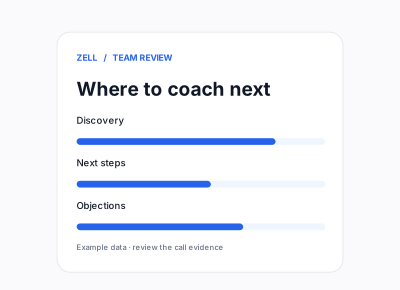
See where your team needs coaching
Ask about patterns across calls and identify the skills that need attention.
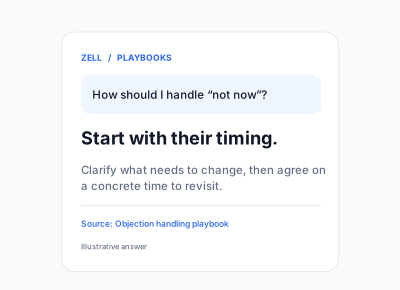
Put your playbooks to work
Bring your sales guidance into the conversation, with answers grounded in your team’s playbooks.

CUSTOMER STORY · PACK
Diego used Zell’s daily review and call feedback to sharpen his next conversation. Read how that coaching habit changed his approach.
GET CONNECTED
Connect Zell in three steps.
01
Add the server
Add https://api.getzell.com/mcp as a remote MCP connector in your AI tool.
02
Sign in to Zell
Approve the OAuth connection with your Zell account. No API key to copy.
03
Start a conversation
Try: “Use Zell to help me prepare for my next coaching 1:1.”
Choose your setup guide
Requires Zell AI access. Your organization’s permissions apply.
FAQs
A few things to know before you connect.
What is Zell MCP?
Zell MCP connects your AI assistant to your Zell workspace. It lets you work with your sales data, coaching insights and playbooks from the tools you already use.
Which AI tools can I connect?
Zell’s setup guide covers Claude Desktop, ChatGPT, Claude Code and Codex. Each connects to the same Zell MCP server.
Do I need an API key?
No. Add the server URL and sign in to Zell through the OAuth authorization flow.
What can I ask Zell?
Ask about sales calls, prepare coaching reports, explore performance patterns or search your team’s playbooks. Available tools depend on your access and enabled features.
Who can access our data?
Connecting requires Zell AI access. Access is tied to your Zell account and organization, and your organization’s permissions apply.